
Teams spread across long aisles
A message shared at one end of the building may never reach receiving, packing, replenishment, or the next shift.
Warehouses · Employee communication
A managed communication network keeps picking, packing, receiving, inventory, safety, training, and company updates visible across the warehouse—without asking supervisors to maintain another platform.
Communication gaps
A message shared at one end of the building may never reach receiving, packing, replenishment, or the next shift.
Static notices stay posted after priorities change and compete with dozens of other signs.
Leaders lose time relaying schedules, safety reminders, staffing changes, and daily focus points one group at a time.
Communication placement
Choose an area to see the communication role it can play and representative message applications for that location.
Time clocks
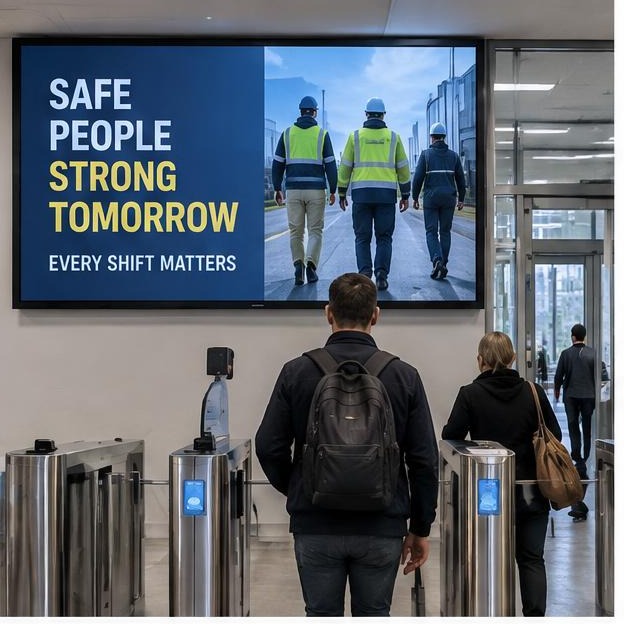
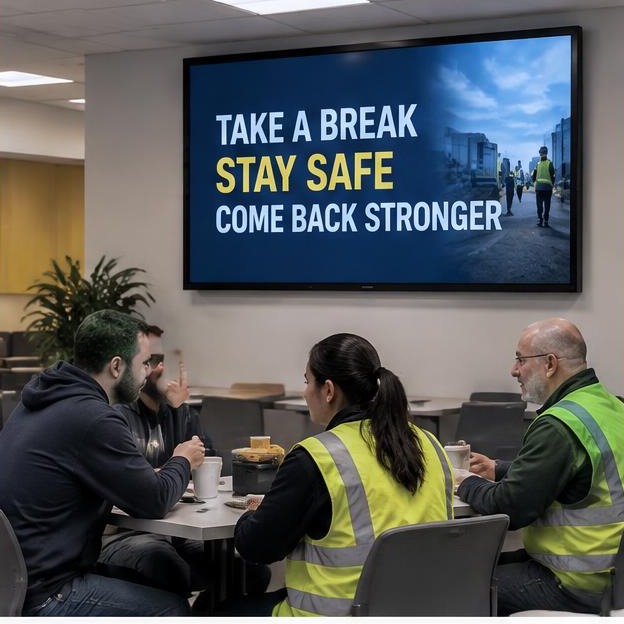
Reach employees at the beginning and end of every shift.
Communication priorities
Every message is shaped around your approved information, brand standards, operating environment, and workforce.
01
Zone priorities
02
Wave timing
03
Pick accuracy
04
Replenishment alerts
05
Short-pick process
06
Daily wins
A week across the network
A representative schedule showing how approved messages can change across the week, workforce, and operation.
| Mon | Tue | Wed | Thu | Fri | Sat | Sun | |
|---|---|---|---|---|---|---|---|
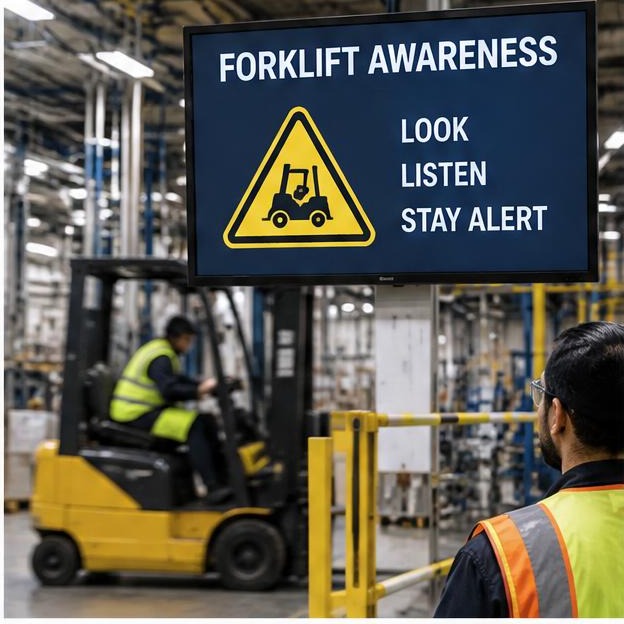
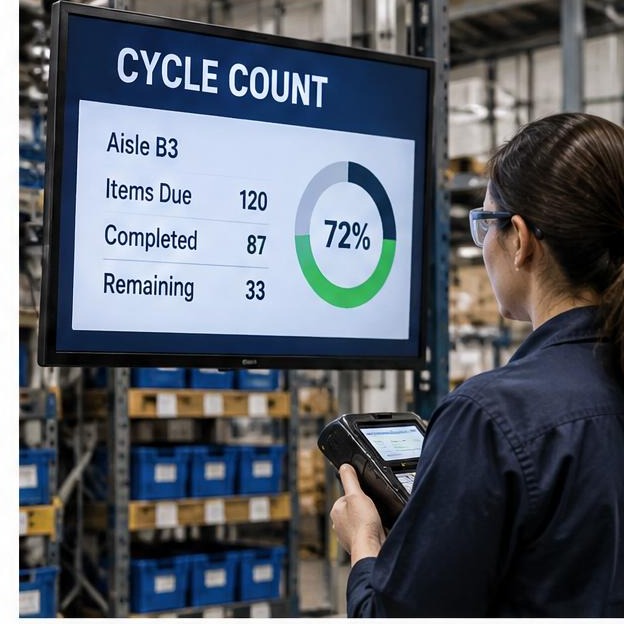
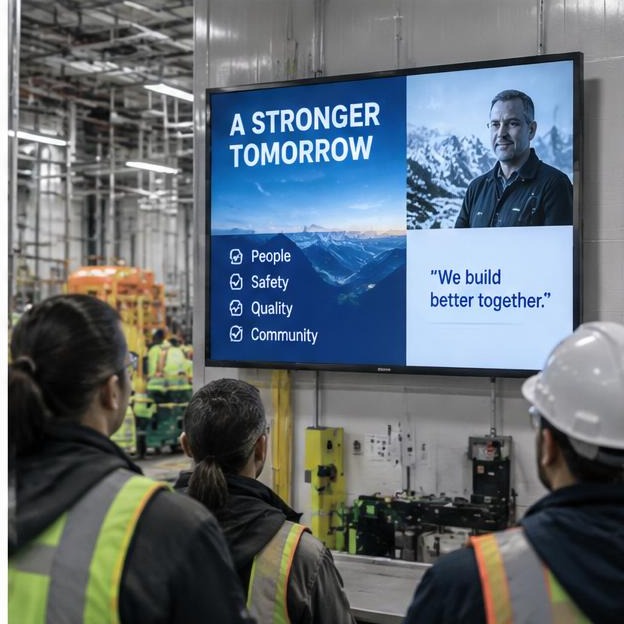
| 1st shift | Weekly pick plan | Forklift safety | Cycle counts | Inbound priorities | Team recognition | Weekend volume | Monday readiness |
| 2nd shift | Replenishment focus | Pack accuracy | Training dates | Cutoff schedule | Weekend staffing | Safety focus | — |
| 3rd shift | Inventory handoff | Aisle readiness | Quality reminder | Equipment notice | Shipping handoff | — | Next-week plan |
Time-sensitive updates
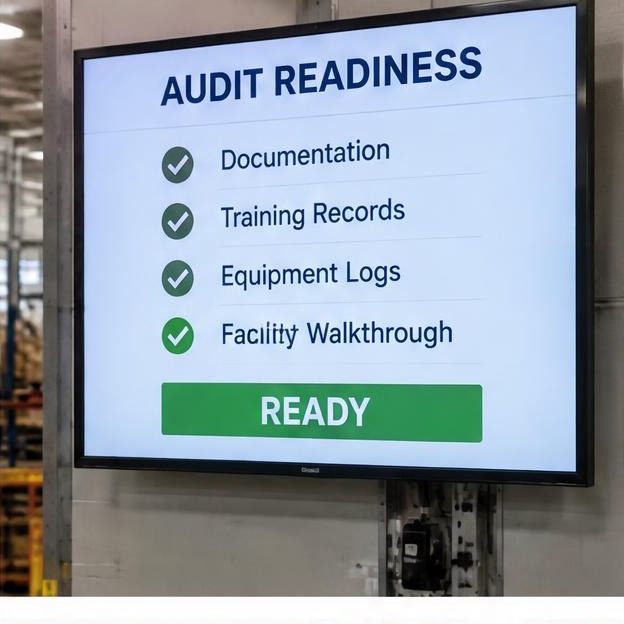
Equipment outages, aisle closures, weather changes, and schedule updates can be prioritized on the screens serving the affected warehouse zones.
How it works
We learn your facilities, shifts, audiences, and the updates that matter most.
We recommend indoor locations and a communication role for each screen.
Our team turns approved information into clear, branded messages designed for workplace viewing.
Send the request to us. We design, schedule, and manage it without another login for your team.
Network pricing
Fully managed
$500
per month · first screen included
Content creation upon request, scheduling, and management included. Each additional screen is $100/month.
Hardware, one-time
Example: 10-screen warehouse
Using existing indoor TVs with Signage Players.
Hardware: $2,500
Monthly: $1,400
Warehouses FAQ
Plan your network
Tell us about your warehouse zones, shifts, workforce, and the updates employees miss today. We’ll outline screen locations, communication priorities, and a transparent estimate.