
Teams move across secure zones
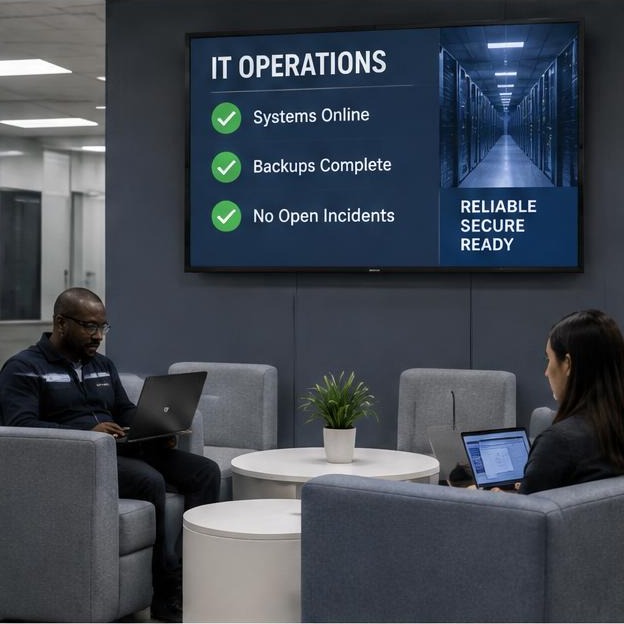
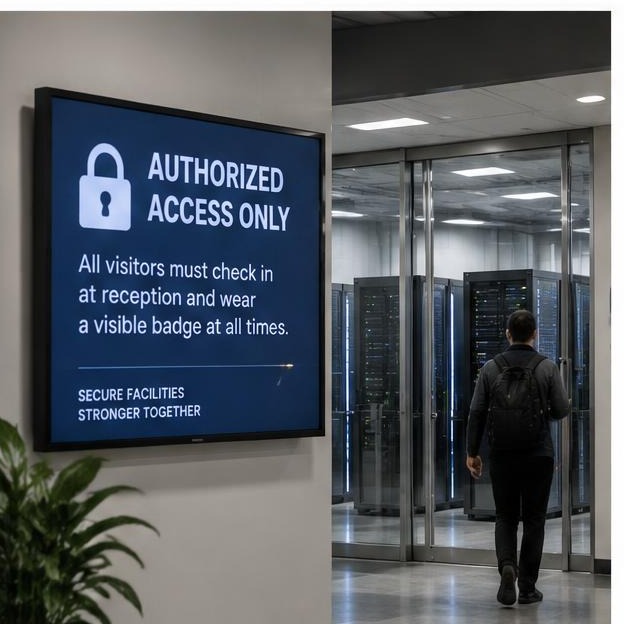
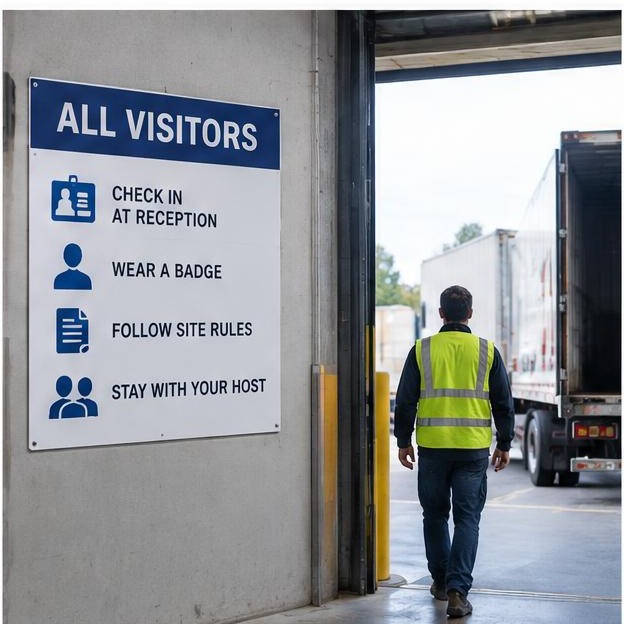
Facilities, security, operations, vendors, and visitors need different messages at different access points.
Data centers · Site communication
A managed screen network helps data center campuses coordinate planned work, safe access, training, visitor guidance, culture, and site updates across secure, distributed facilities.

Communication gaps
Facilities, security, operations, vendors, and visitors need different messages at different access points.
Maintenance windows and access changes can be understood by one team but missed by another building or shift.
Site-wide safety, training, culture, and visitor information is more useful when it is visible in the relevant physical space.
Communication placement
Choose an area to see the communication role it can play and representative message applications for that location.
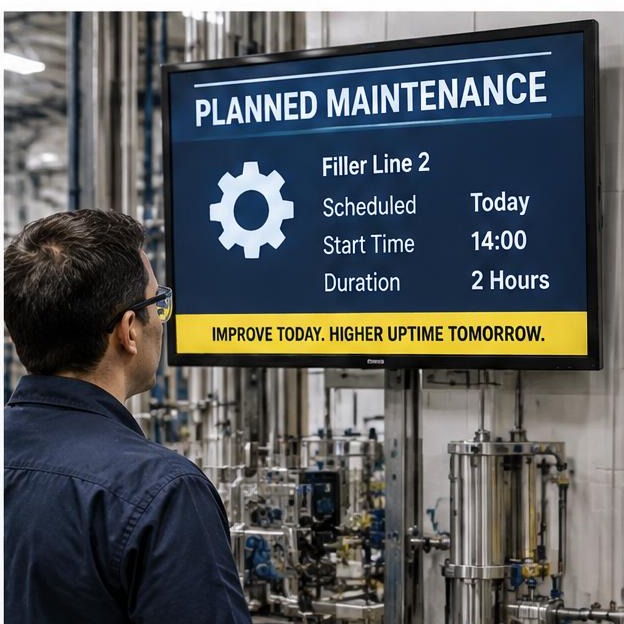
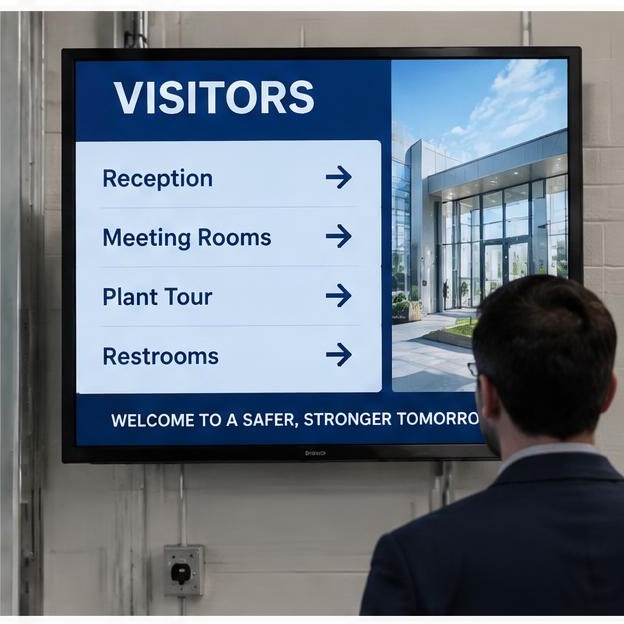
Secure lobby
Welcome and orient approved visitors without exposing sensitive information.
Communication priorities
Every message is shaped around your approved information, brand standards, operating environment, and workforce.
01
Planned work windows
02
Affected access zones
03
Facilities maintenance
04
Generator testing
05
Vendor arrival
06
Post-work reminder
A week across the network
A representative schedule showing how approved messages can change across the week, workforce, and operation.
| Mon | Tue | Wed | Thu | Fri | Sat | Sun | |
|---|---|---|---|---|---|---|---|
| 1st shift | Weekly maintenance | Access awareness | Training calendar | Planned work | Team recognition | Vendor access | Next-week changes |
| 2nd shift | Change calendar | Vendor schedule | Facilities notice | Campus update | Weekend work | Maintenance window | Site readiness |
| 3rd shift | Shift handoff | Safety focus | Procedure refresher | Change reminder | Handoff priorities | Safety reminder | Monday handoff |
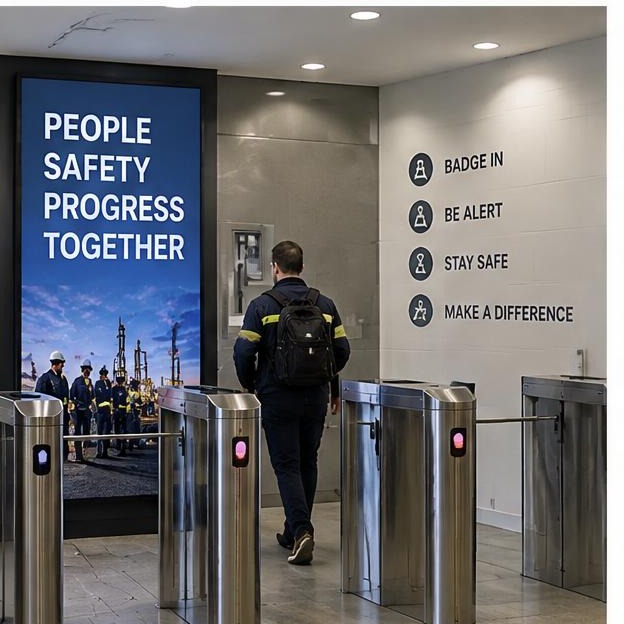
Time-sensitive updates
Approved site notices, access changes, weather impacts, and facilities updates can be prioritized on public and employee screens. Monitoring, alarms, and emergency procedures remain authoritative.
How it works
We learn your facilities, shifts, audiences, and the updates that matter most.
We recommend indoor locations and a communication role for each screen.
Our team turns approved information into clear, branded messages designed for workplace viewing.
Send the request to us. We design, schedule, and manage it without another login for your team.
Network pricing
Fully managed
$500
per month · first screen included
Content creation upon request, scheduling, and management included. Each additional screen is $100/month.
Hardware, one-time
Example: 20-screen data center campus
Using existing indoor TVs with Signage Players.
Hardware: $5,000
Monthly: $2,400
Data Centers FAQ
Plan your network
Tell us about your campus, buildings, shifts, access areas, and general communication needs. We’ll outline screen locations, communication priorities, and a transparent estimate.